

Using Claude Code or another AI harness like Codex? You can interact with the Admin API using our skills & plugins. See Skills to get started
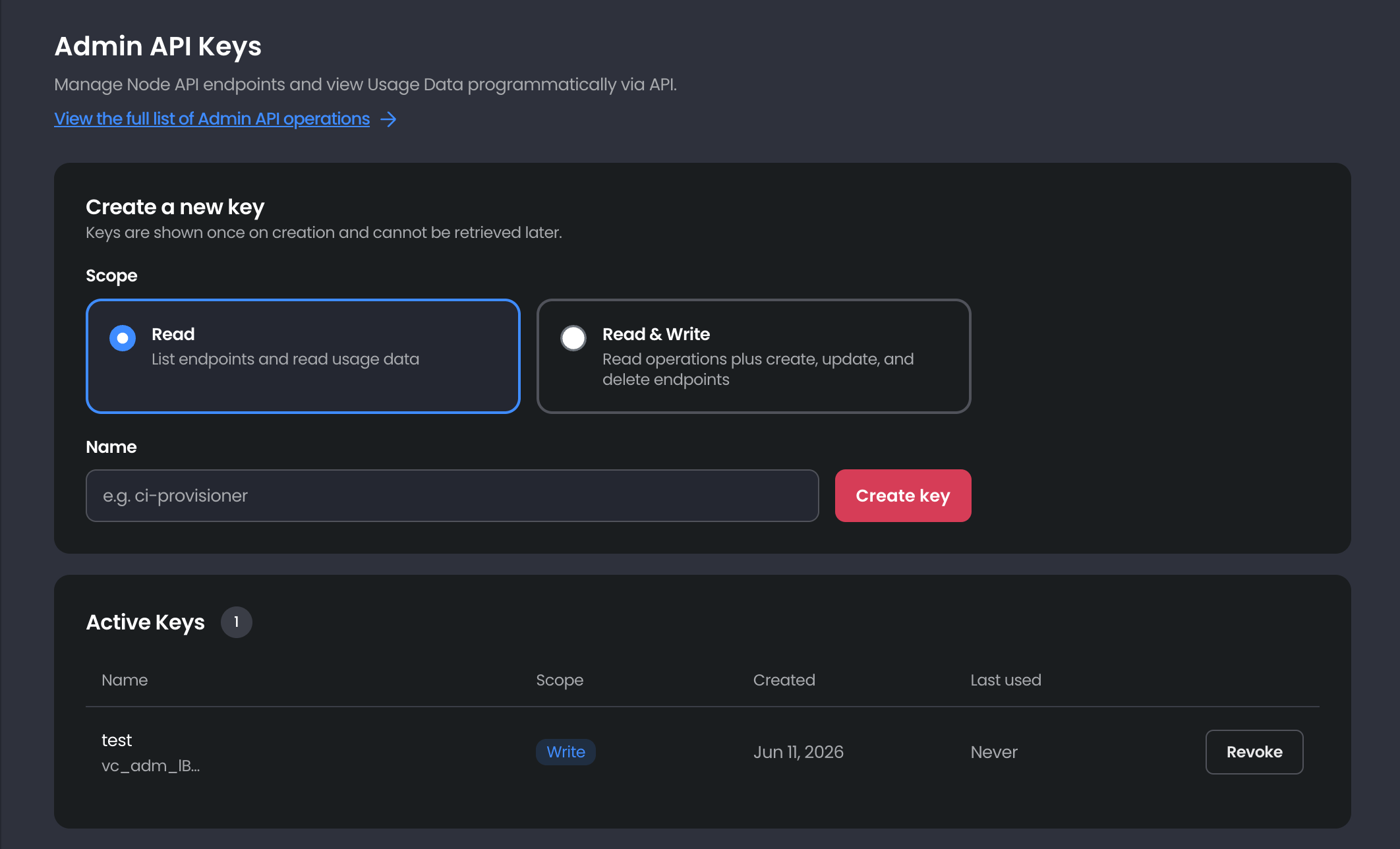
Availability. Admin API Keys are available on the Scale and Private Node API plans (not Free). Within those teams, only Admins can view this page, create keys, or revoke them. See Teams and roles for how roles differ.
Scopes
Each key is assigned a single scope. Choose the least-privileged one that does the job.Creating a key
- On the Admin API Keys page: https://app.validationcloud.io/api-keys, choose a Scope (Read or Read & Write).
- Give the key a descriptive Name (for example,
ci-provisioner). - Click Create key, then copy the key and store it somewhere secure.
Keys are shown once and can’t be retrieved later. If you lose one, revoke it and create a new one. Treat keys like passwords, store them in a secrets manager and never commit them to source control.
vc_adm_. Pass yours in the Authorization header, using the ApiKey scheme, on every request: