

Scope. Team Accounts cover Node API and Staking. Everyone gets access to the free version of Mavrik whether they are in their own team or join another one.
Roles
There are two roles: Admin and Member. A team must always have at least one Admin.All plans
Scale and Private plans
These endpoint features are available only on the Scale and Private plans.
One bill per team covers Node API usage for everyone in the team.
Two-factor authentication (2FA) is set per user. See Two-factor authentication.
Where to manage your team
As an Admin, you can see your team’s members and their roles on the Team page in your Validation Cloud account. Members see a read-only version of the team page.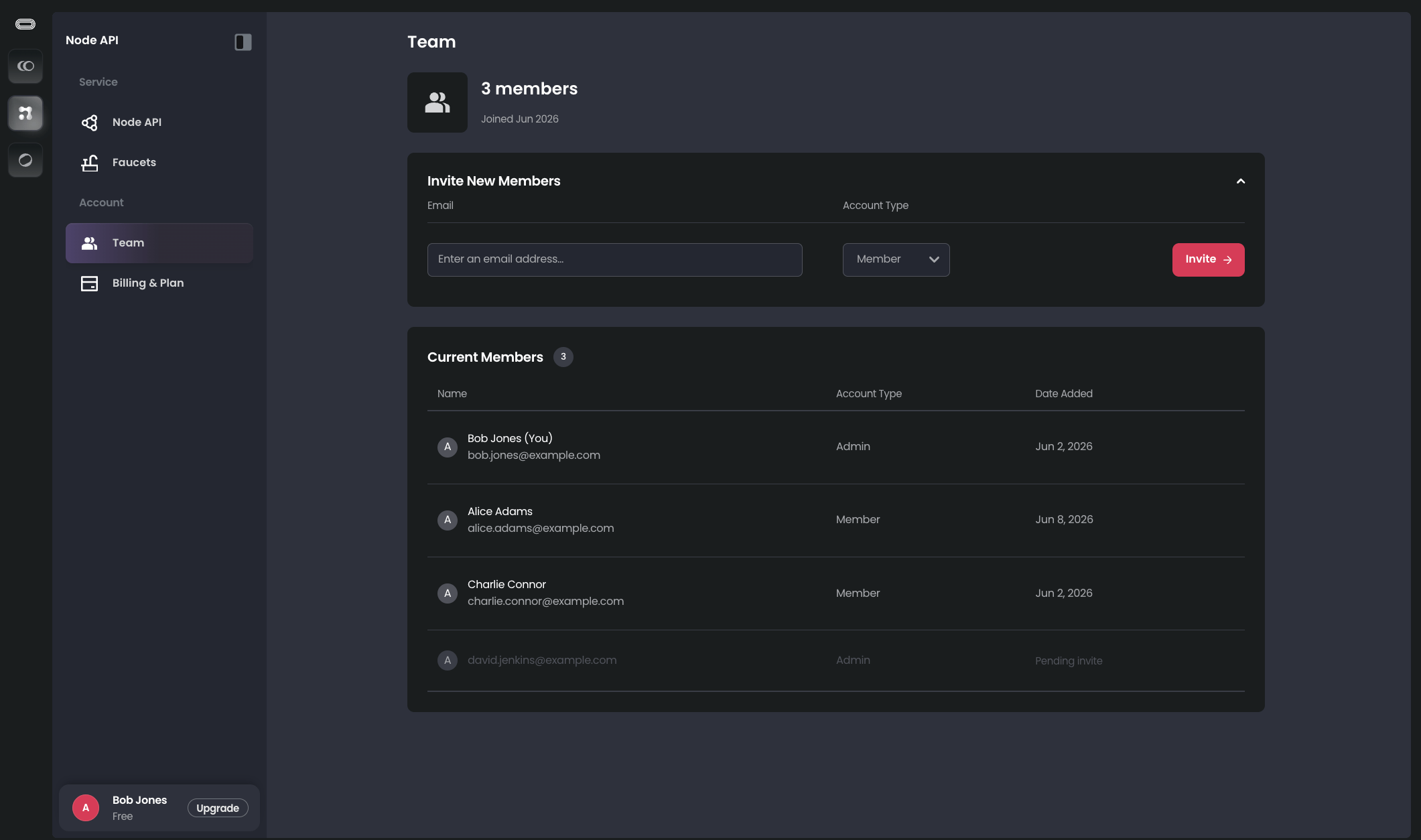
Team Page (Admin view)
Adding teammates
Before you add a teammate, make sure they are not using their own existing Node API keys.When someone joins a team, if they already had an account on the Validation Cloud Platform, their previous Node API keys are deleted.Any applications or services running with those keys will break and the keys cannot be recovered.Have an Admin or Member in the account you will be invited to create any keys you need. Switch them over in your application and verify they are working before joining a team.
- Make sure you are an Admin in the team you are inviting someone to
- Go to https://app.validationcloud.io/team
- Type in the email address of the person you wish to invite, select their role, either Member or Admin (see Roles above for differences). Then click Invite.
- If this person has not previously set up an account on Validation Cloud before, they will receive an email guiding them through the process to create an account and join your team
- If this person already has an existing account on the Validation Cloud platform, they will receive an email inviting them to join your team. As above, please note they will lose access to any keys they have in the team they are moving from